How to apply
- In a web browser, navigate to elevenlabs.io
- Select Log In and sign in to your ElevenLabs account.
- If you don't have an ElevenLabs account, select Sign up to create a free account. When creating your account, select Skip on optional questions and when prompted to choose a plan.
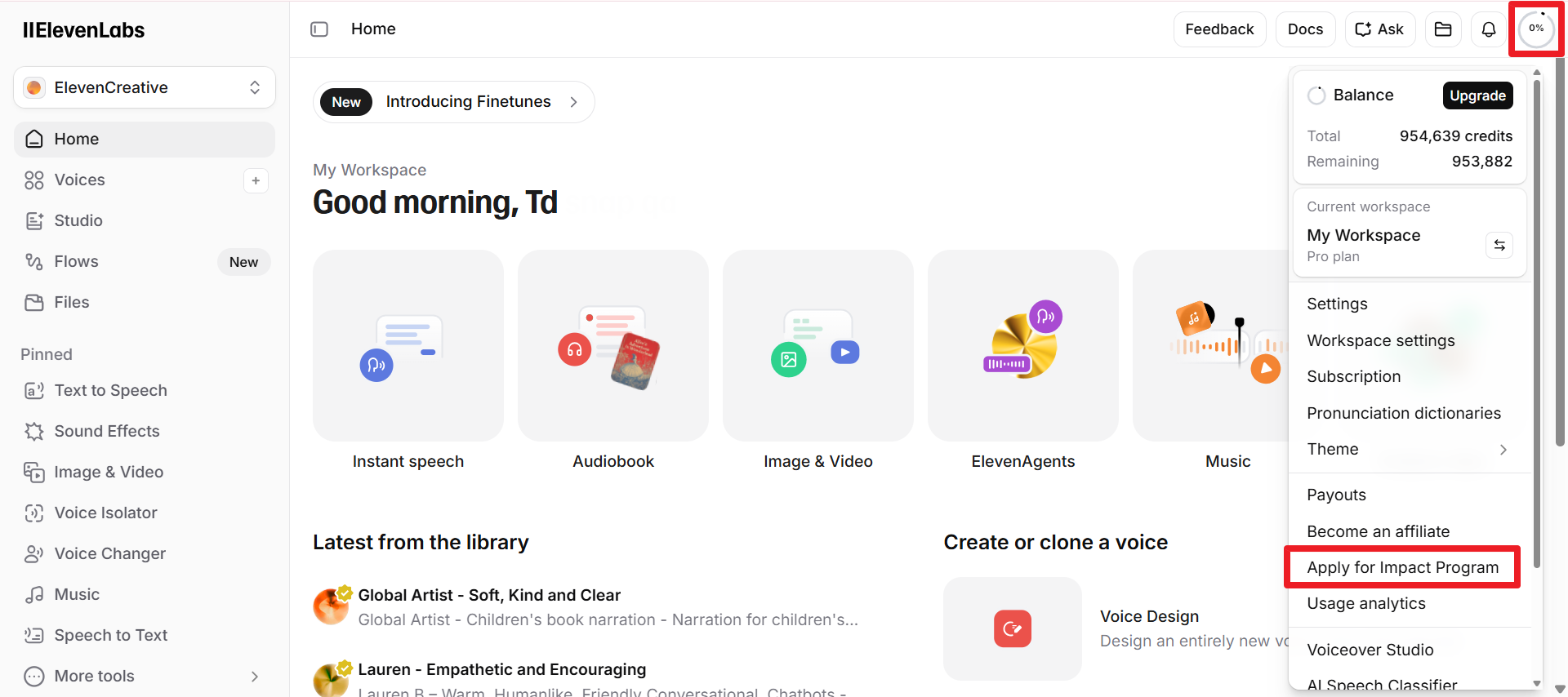
- On your ElevenLabs Home page select the account icon in the upper right corner, then choose Apply for Impact Program.
- Enter the required user information. In the Partner field choose Tobii Dynavox.
- Select Continue.
- Select your email service. A pre-filled email to Tobii Dynavox will open in your selected email provider.
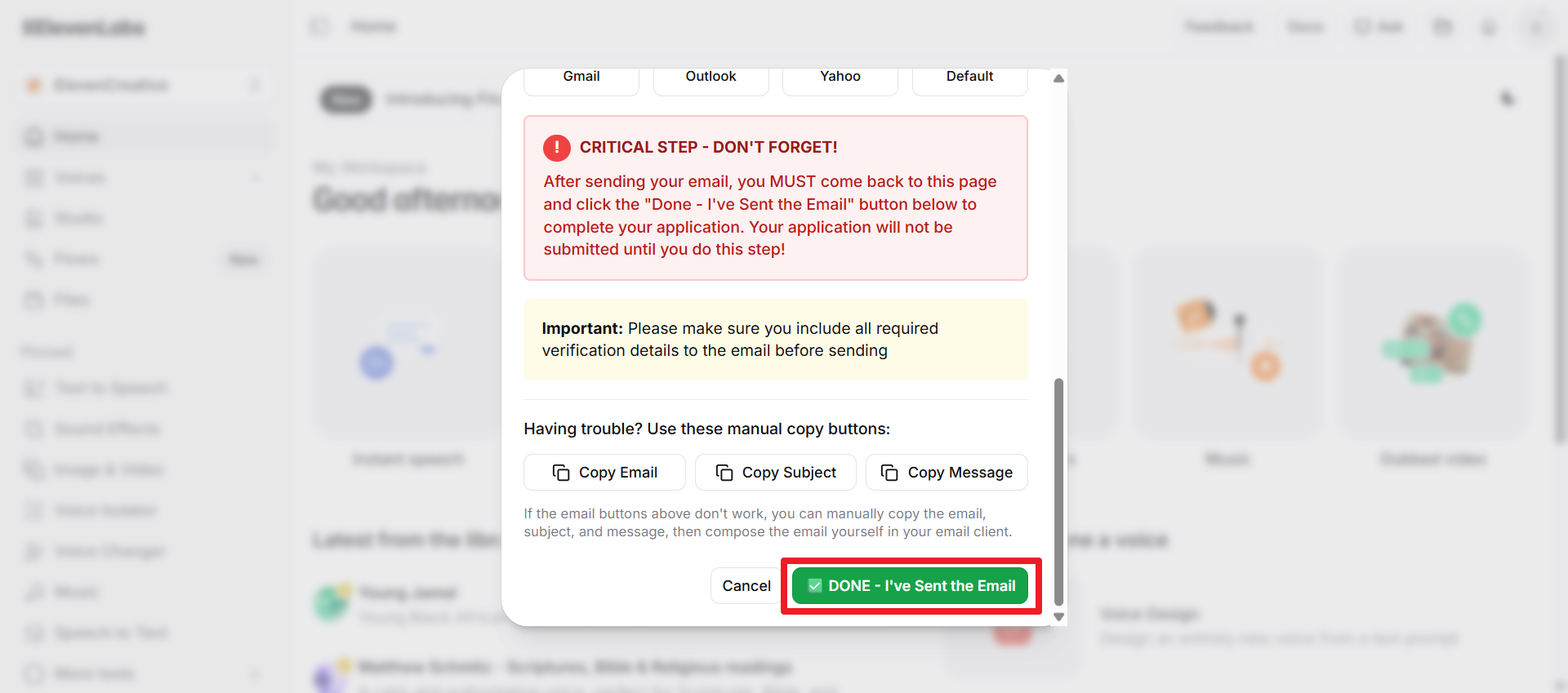
- NOTE: Do not close your web browser or ElevenLabs tab. After you send your email, you need to come back to the ElevenLabs page.
- Type the required information into the body of the email.
- You can either provide your Tobii Dynavox device serial number or details about the user actively in the process of purchasing a Tobii Dynavox dedicated speech device.
- Send the email.
- Go back to the ElevenLabs page that is open in your browser and select DONE-- I've Sent the Email.
After Tobii Dynavox reviews your application, you will be notified of the decision via email.
- If you are approved, your account will be upgraded to an ElevenLabs Pro account the next time you log in.
- If your application is rejected, you will receive resources for alternative options.